 Inqodo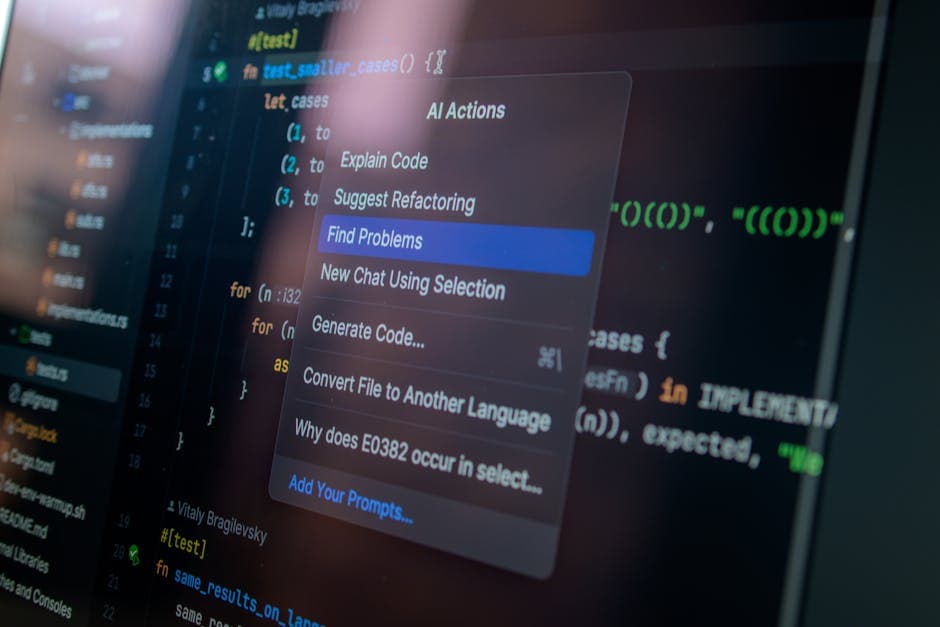
On this page
Building a SaaS product with AI in 2026 means combining modern AI tooling with a disciplined MVP process. Most founders now ship working products in 4–6 weeks using AI coding assistants, pre-built boilerplates, and API-based models like Claude or GPT-4. The fastest path is not building everything from scratch. It’s scoping one core workflow, integrating AI where it solves a real problem, and shipping something users can pay for immediately. This guide walks through how to build a SaaS product with AI in 2026: from choosing the right AI tools to integrating features, deploying, and scaling without burning budget on features nobody asked for.

How to Build a SaaS Product with AI: Choose Your Development Stack First
The stack you choose determines how fast you ship and how much you spend getting there. In 2026, the default for most SaaS builds is Next.js for the frontend, Supabase or Firebase for backend and auth, and Claude or OpenAI APIs for AI features. Next.js handles server-side rendering and API routes in one framework. Supabase gives you a Postgres database, authentication, and real-time subscriptions without managing infrastructure.
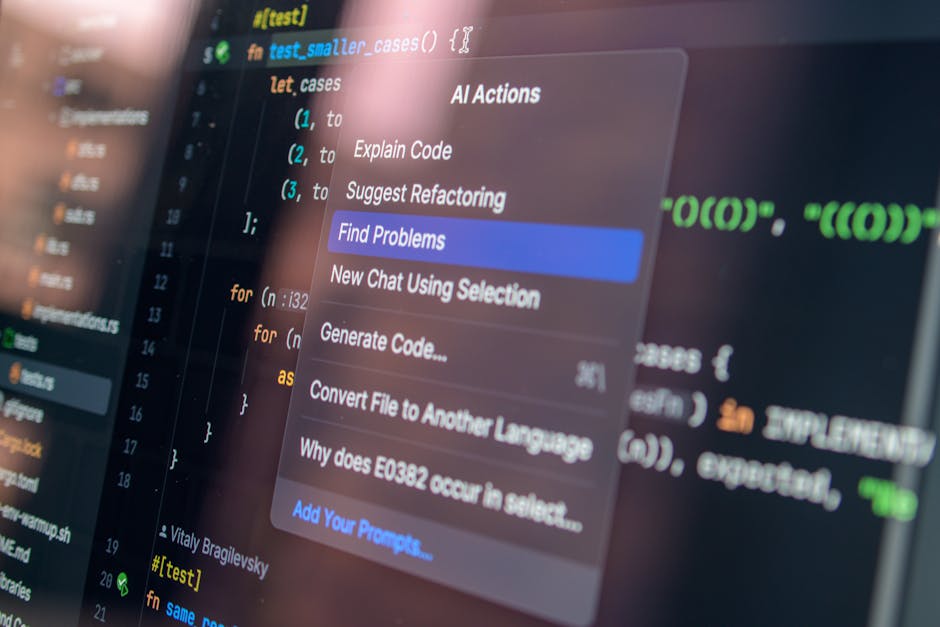
AI coding assistants like Cursor, GitHub Copilot, and v0 by Vercel speed up development significantly. Cursor is particularly strong for full-file edits and multi-file refactoring. v0 generates React components from text prompts. These tools don’t replace developers — they replace the repetitive parts of coding. A founder with basic technical knowledge can now build faster than a junior developer could three years ago.
SaaS boilerplates like Shipfast, Supastarter, and Makerkit provide pre-built authentication, billing (Stripe integration), and deployment pipelines. They cost $200–$400 upfront and save 2–3 weeks of setup work. If you’re building an MVP, that time saving is worth more than the cost.
Decide Whether You’re Building AI-Native or AI-Enhanced
AI-native products are built around an AI capability as the core feature. An AI writing assistant, a contract analysis tool, or an automated bid generator are AI-native. The AI is not a feature — it is the product. These products live or die on prompt quality, model selection, and how well the output matches user expectations.
AI-enhanced products use AI to improve an existing workflow. A project management tool that auto-generates task descriptions, or a CRM that suggests follow-up emails. The product works without the AI. The AI makes it better. Most SaaS products in 2026 are AI-enhanced, not AI-native.
The distinction matters because AI-native products require more upfront work on prompt engineering, model evaluation, and output validation. AI-enhanced products can ship faster because the core workflow already works. If you’re a first-time founder, AI-enhanced is the safer bet. If you’ve identified a problem that only AI can solve, AI-native is the only option. We’ve built both — the decision depends on whether users would pay for the product if the AI feature disappeared tomorrow.

Scope the Smallest Thing That Proves the Idea
Most founders overestimate what an MVP needs. An MVP is not a feature-light version of your full product. It is the smallest thing that answers the question: will people pay for this? If your MVP has 14 features, it is not an MVP.
Start by writing down the one workflow your product must do. Not the three workflows it could do — the one it must do to be useful. A founder came to us wanting to build a marketplace with buyers, sellers, payments, messaging, and ratings. That is four separate products. The one workflow they needed to validate was: can a buyer find a seller and request a quote? We scoped that. It cost $9,500 and took 6 weeks. They had paying users by week 8.
AI features should follow the same rule. If you’re adding AI-generated summaries, auto-complete, or recommendations, ask whether the product works without them. If it does, ship without them first. Add AI once you have users who can tell you whether the AI output is actually useful. The most expensive mistake is building the wrong product perfectly. For a detailed breakdown of what different scopes actually cost, see our SaaS cost calculator.
Integrate AI Features Using API-First Models
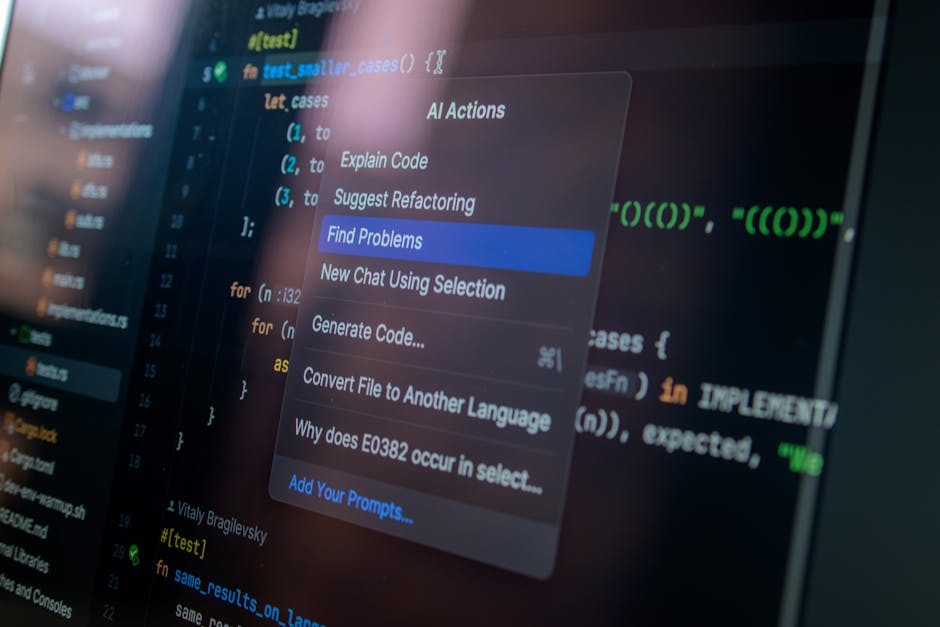
Most AI SaaS products in 2026 use API-based models rather than self-hosted ones. OpenAI’s GPT-4, Anthropic’s Claude, and Google’s Gemini all offer API access with usage-based pricing. You send a prompt, get a response, and pay per token. This is faster and cheaper than training your own model unless you’re operating at significant scale.
Claude is our default for most projects because its outputs are more predictable and its reasoning is more transparent than alternatives. For tasks like document analysis, structured data extraction, or multi-step workflows, Claude handles context better. GPT-4 is stronger for creative generation and conversational interfaces. The model you choose should match the task — not the brand.
Cost scales with usage. A typical API call to Claude costs $0.01–$0.05 depending on input and output length. If your product generates 1,000 AI responses per day, expect $10–$50 daily in API costs. At 10,000 responses, you’re at $100–$500 per day. This is why AI-native products need usage limits or tiered pricing from day one. Running an unlimited free tier with AI features is how you spend $10,000 in a weekend. We’ve seen it happen.
According to Anthropic’s 2025 usage data, the average AI SaaS product spends 15–25% of revenue on API costs in the first year, dropping to 8–12% after optimisation and caching strategies are implemented.
Build, Test, and Deploy in Phases
The development process for an AI SaaS product in 2026 typically runs in three phases: core build, AI integration, and production deployment. Each phase has a clear deliverable. Most projects take 4–6 weeks total if scoped correctly.
Phase one is the core build. Authentication, database schema, basic UI, and the primary user workflow without AI. This should take 1–2 weeks using a boilerplate and modern tooling. You should be able to sign up, log in, and complete the main action your product enables. No AI yet. If this phase takes longer than two weeks, the scope is too large.
Phase two is AI integration. Connect your API, write and test prompts, handle edge cases where the AI output is wrong or incomplete, and add retry logic. This takes 1–2 weeks. The most common mistake here is assuming the first prompt you write will work in production. It will not. Prompt engineering is iterative. Test with real data, not the happy-path example you wrote in the design doc.
Phase three is deployment and scaling. Set up CI/CD pipelines, configure environment variables, add monitoring for API usage and errors, and deploy to production. Vercel, Netlify, and Railway handle this with minimal configuration. Most projects deploy in under a day once the code is ready. If you’re wondering how long this typically takes, the answer depends entirely on how well you scoped phase one.

Plan for AI-Specific Costs and Compliance
AI adds two cost categories most founders miss: API usage and data compliance. API costs scale with users. If each user generates 10 AI requests per session and you have 1,000 daily active users, that is 10,000 API calls per day. At $0.02 per call, you are spending $200 daily or $6,000 monthly. This is why tiered pricing exists — unlimited AI usage is not financially viable for most early-stage products.
Data compliance is more complex in 2026 than it was two years ago. GDPR applies if you have EU users. California’s CPRA applies if you have US users. Both require clear disclosure about how user data is processed, stored, and whether it is used to train models. Most API providers (OpenAI, Anthropic) offer zero-retention options where your data is not used for training. Enable this. It costs slightly more per call but eliminates a significant legal risk.
If your AI product processes sensitive data — healthcare records, financial information, legal documents — you will need SOC 2 or ISO 27001 certification eventually. This is not a day-one requirement, but it is a six-month requirement if you are selling to enterprises. Budget $15,000–$40,000 for initial compliance work. Inqodo has worked with founders navigating this process — the earlier you plan for it, the less expensive it is to implement.
Common Mistakes and What Actually Goes Wrong
Most AI SaaS products that fail do not fail because of bad code. They fail because the AI output was not good enough to replace the manual process, or because the founder built a feature and called it a product. A Custom GPT that works for you is not a product someone else will pay for. A product is authentication, billing, multi-tenancy, error handling, and a workflow that works when the AI gets it wrong.
Another common mistake is over-reliance on AI for tasks it handles poorly. AI is excellent at summarisation, classification, and generation from structured prompts. It is weak at tasks requiring real-time data, multi-step reasoning with external validation, or outputs that must be 100% accurate. If your product requires the AI to be right every time, you are building on a fragile foundation. Build in human review, confidence scores, or manual override options.
The third mistake is underestimating prompt drift. A prompt that works in testing may degrade in production as edge cases appear. Users will input data you did not anticipate. The AI will return outputs you did not expect. Monitoring and logging every AI interaction is not optional — it is how you catch problems before they become support tickets. If you are considering whether to build without coding or hire developers, this is where the difference shows. No-code tools handle the happy path. Developers handle what happens when the path is not happy.
Ready to Get Started?
Building a SaaS product with AI in 2026 is faster and cheaper than it has ever been — if you scope it correctly, choose the right tools, and ship the smallest version that proves the idea. Most founders spend too long planning and not enough time testing with real users. The goal is not to build the perfect product. The goal is to build something good enough to learn whether anyone will pay for it.
If you are ready to move from idea to working product, Inqodo builds AI SaaS products from $2,000. We scope before we price, we tell you when your feature list is too long, and we ship working software in 4–6 weeks. Get in touch if you want to talk through your idea with someone who has built this 30+ times before.
Frequently Asked Questions
What is the fastest way to build a SaaS with AI in 2026?
Use a SaaS boilerplate like Shipfast or Supastarter for authentication and billing, integrate an API-based AI model like Claude or GPT-4, and deploy to Vercel or Railway. Most MVPs ship in 4–6 weeks using this approach. The speed comes from not building infrastructure from scratch.
Which AI tools are best for non-technical founders building SaaS?
Cursor and v0 by Vercel are the most accessible AI coding assistants for non-technical founders in 2026. Cursor handles full-file edits and can build features from text prompts. v0 generates React components visually. Both reduce the need for deep coding knowledge but still require someone who can review and test the output.
How much does it cost to launch an AI SaaS product?
A working MVP with AI features typically costs $8,000–$15,000 if built by a development team like Inqodo, or $2,000–$5,000 if you are building it yourself using boilerplates and AI coding tools. Ongoing costs include API usage ($200–$2,000 monthly depending on scale), hosting ($20–$100 monthly), and any compliance work required for your industry.
What are the most profitable AI SaaS niches for 2026?
Document analysis and workflow automation for regulated industries (legal, finance, healthcare) remain highly profitable because enterprises will pay for accuracy and compliance. AI-enhanced B2B tools that reduce manual work in sales, recruitment, and customer support also perform well. Consumer AI products face more competition and lower willingness to pay.
How to build a SaaS product with AI in 2026 if I am not a developer?
Start with a no-code tool like Bubble or Webflow to validate the core idea, then hire a developer or agency to rebuild it properly once you have paying users. Alternatively, use AI coding assistants like Cursor and a SaaS boilerplate to build a working product yourself. The second option is faster and gives you more control, but requires learning basic development concepts.
Do I need to train my own AI model to build an AI SaaS product?
No. Most AI SaaS products in 2026 use API-based models like Claude, GPT-4, or Gemini rather than training custom models. Training your own model costs $50,000–$500,000+ and only makes sense at significant scale or for highly specialised tasks. API-first models are faster, cheaper, and easier to integrate.
What are the biggest risks when building an AI SaaS product?
The three biggest risks are underestimating API costs as you scale, building a product where the AI output is not reliable enough to replace manual work, and failing to plan for data compliance requirements like GDPR. All three are avoidable with proper scoping and cost modeling before you start building.
Inqodo
Inqodo Team